
Delete a team
- Navigate to the Global administration page and select Teams from the menu on the left.
- Click the three dots in the upper right corner of the team tile and choose Delete.
Data loss
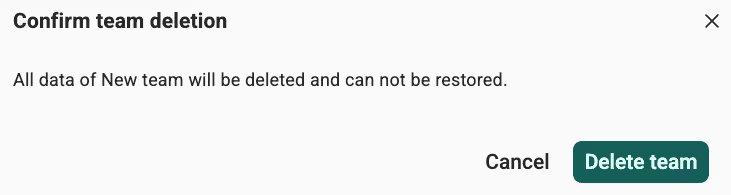
Deleting a team permanently deletes all its data, including workflows, files, and components. You cannot restore this data.